
Skip to content
Cleaning Operator

Cleaning type

Software for carpet and specialist cleaning

Priced by the job with extras and quantities, repeat visits quarterly or yearly, and photos on every visit.

14-day free trial on every plan. Cancel anytime, no lock-in contract.

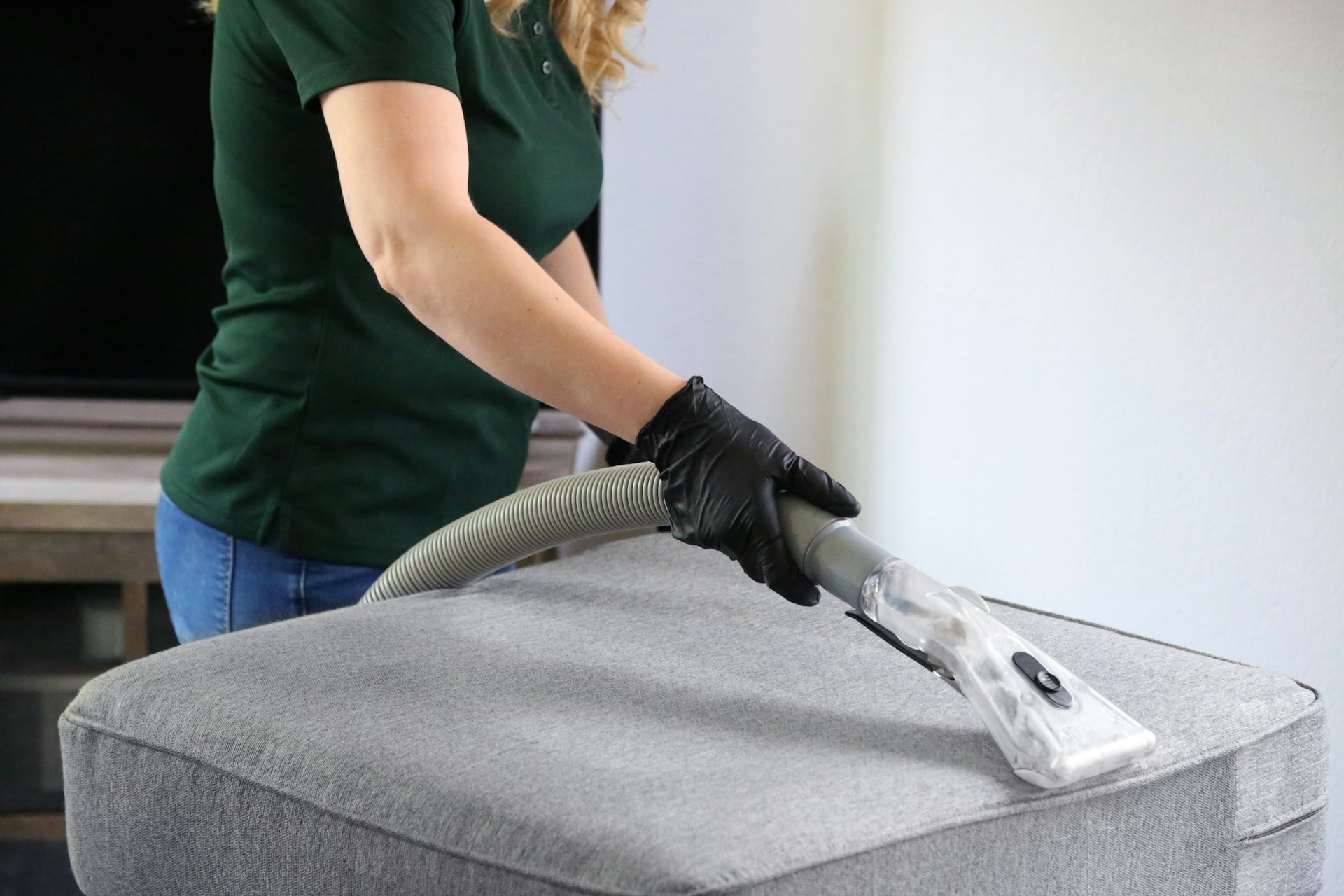
A cleaner in a green shirt and black gloves vacuums a grey ottoman
Upholstery being vacuumed in a living room
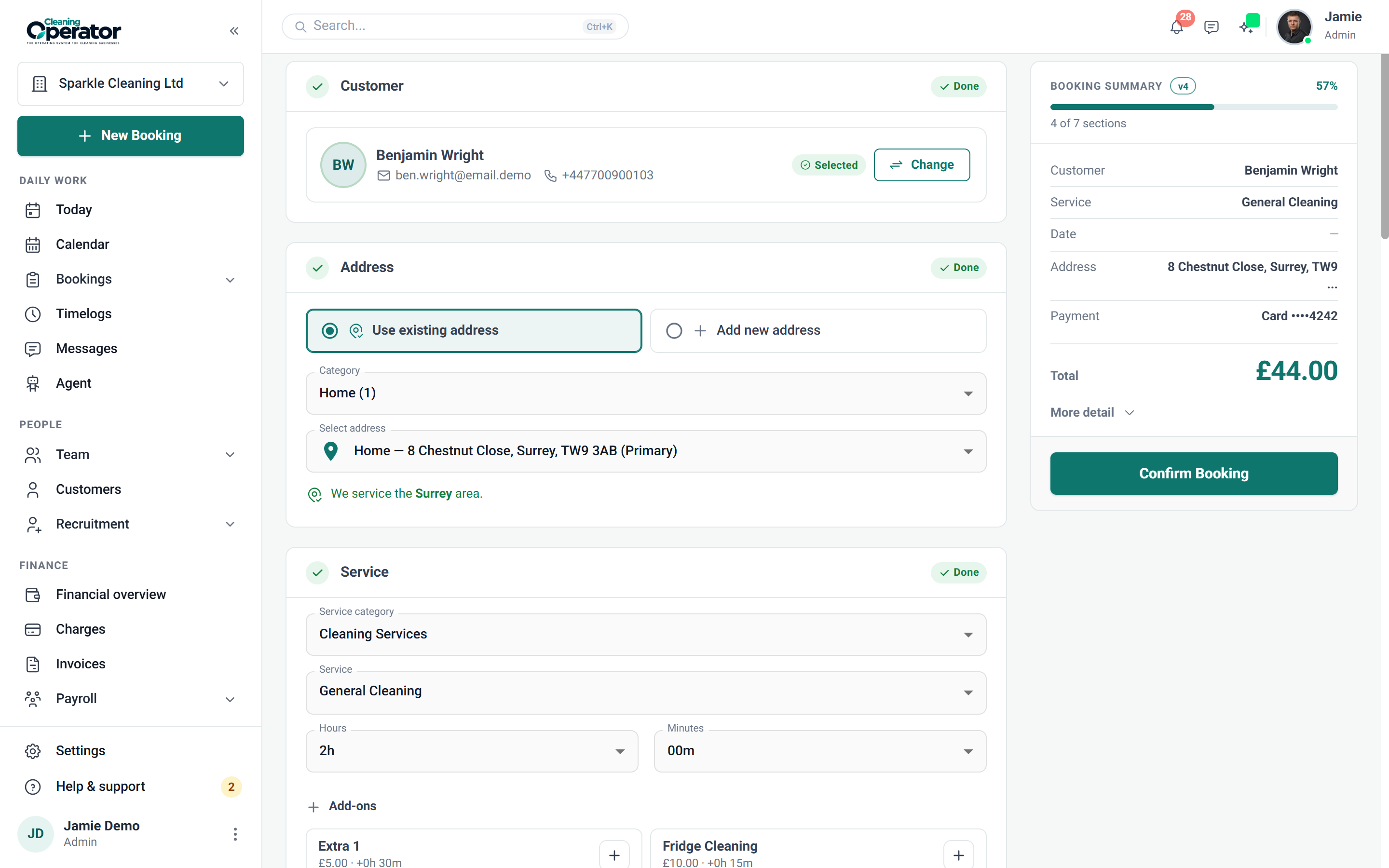
Screenshot of Public booking form — Schedule

6 features from the reference

What changes for a carpet or specialist cleaner.

Each problem and fix below is quoted from the feature reference. Carpet, oven and specialist cleaning operators use the same Cleaning Operator as every other cleaning company; these are the parts that matter most.

The problem

Staff charge different amounts for the same add-on, and nobody adds the extra time to the job.

With Cleaning Operator

Each add-on carries one price and its extra minutes. You set it once, link it to the services that offer it, and job length adjusts.

  • Settings → Service Extras, then link extras on each service
  • Optional quantity with a min and max; extra minutes add to job length
  • Add-ons are reused, so staff do not invent different prices for the same extra

The problem

Fortnightly regulars live in my head, and new customers keep booking slots I have nobody free for.

With Cleaning Operator

Customers only see slots you can cover, because Smart mode hides times with no free cleaner. Regular cleans repeat weekly, fortnightly, monthly and more.

  • One-time, or weekly, bi-weekly, every 3 weeks, every 4 weeks, every 8 weeks, monthly, every 2 months, quarterly or yearly, as allowed for the service
  • Optional arrival window instead of a single clock time
  • Recurring discounts set on the service apply automatically to matching frequencies

The problem

Commercial clients pay on invoice, and matching each payment back to the right booking is a job in itself.

With Cleaning Operator

Bookings are marked paid when the customer pays the invoice. Pick Invoice as the payment method, and it's generated on your invoice schedule.

  • An invoice is generated on your invoice schedule
  • Separate from the Cash and Card checkboxes on customer-facing forms
  • Turned on under Invoice Settings

The problem

A customer insists the oven wasn't cleaned, and all I have is the cleaner's word.

With Cleaning Operator

Before-and-after proof sits on the booking itself. Cleaners add photos from the job, and you check them in Bookings under Cleaning Photos.

  • Opened from job media on the job
  • The office reviews them under Bookings → Cleaning Photos
  • Before-and-after proof attaches to the booking

The problem

Customers see one price online, then get quoted a different one when they ring the office.

With Cleaning Operator

The same price shows whoever takes the booking, because office and customers pick from one service list. Hourly or flat-rate, it updates as they book.

  • Hourly services: hours and minutes within your min and max; price updates live
  • Flat-rate services: fixed duration and flat (or weekend) price
  • Industry is picked first when you have more than one

The problem

Customers say they'll pay the invoice later, then can't remember their portal password, so I'm chasing again.

With Cleaning Operator

Paying takes one link, not a password. Send the invoice link and customers pay by card without logging in to the portal.

  • Send the invoice link
  • Card payment without a portal login

Booking → the day → paid

A priced-by-the-job visit, from the form to the payment.

  1. 01Booking

    The job is priced by rooms and extras

    Add-ons go on the booking, so they reach the bill and the job. Extras appear once the service is picked, adding price, time or both.

    Optional quantity with a minimum and maximum

    Booking → Extras (add-ons)

  2. 02The day

    Clock in, photograph, clock out

    Everything for the visit sits on one screen: address, service, time, your notes, directions and the checklist, which can block clock-out until it's done.

    Clock in and out, with optional required photos; same-day and re-clock rules apply

    Cleaner dashboard → Job details

  3. 03Paid

    Card, cash or invoice, from one queue

    Everything owed sits together, split by card, cash and invoice. Charge in bulk, retry a failed card, refund or mark cash paid.

    Bookings → Charges, worked by Card, Cash or Invoice

    Payments → Charges workbench (admin)

Professional, from £59 / $79 a month

The plan for a carpet or specialist cleaner.

For small cleaning teams getting bookings, the calendar and payments in one place. Every plan includes a 14-day free trial, and you can cancel anytime from billing.

Professional

For small cleaning teams getting bookings, the calendar and payments in one place.

£59 pounds per month$79 US dollars per month

Includes a 14-day free trial

cleaner accounts
8
office users
3
service category
1

Includes:

  • Bookings and recurring work
  • Day, week and month calendar
  • Card payments and invoicing
  • Mobile app with clock-in and job photos
Start free trial

Cancel anytime, no lock-in contract.

On Business, £119 pounds per month$149 US dollars per month a month

Everything in Professional, plus:

  • 20 cleaner accounts
  • 10 office users
  • 3 service categories
  • Team calendar views
  • Payroll
  • Pay split between cleaners
  • Recruitment
  • Website builder
  • SMS with your own Twilio keys

Customers, bookings and cleaners carry across when you move up.

Every plan includes

  • Bookings and recurring work
  • Customer records
  • Day, week and month calendar
  • Card payments with Stripe
  • Invoicing
  • Messages
  • Clock-in and job photos
  • Checklists
  • Email templates
  • Cleaner contract e-signing
  • Dashboard
  • Mobile app for cleaners and the office

Bring your own accounts. Card payments run through your own Stripe account. SMS and voice calling connect through your own Twilio keys; SMS is included from the Business plan.

Questions

Questions from carpet, oven and specialist cleaning operators.

Answered from the feature reference and the pricing page, not from a sales call.

Can customers say how many rooms or items they want cleaned?

Yes. An extra can carry a quantity with a minimum and maximum, and each unit adds its price and extra minutes to the job. Extras are set once under Settings → Service Extras and linked to the services that offer them, so staff do not invent different prices for the same add-on.

Can a job repeat every quarter or every year?

Yes. A booking can repeat quarterly or yearly, among other frequencies allowed for the service, and recurring discounts set on the service apply automatically. The standing series behind the visits is edited in one place under Bookings → Recurring Series.

Does it work out travel pay?

Not by mileage: Cleaning Operator does not track miles at the moment. Payroll runs on clocked or booked time, so pay follows the time on each job.

Do you track equipment, stock or quotes?

No. There is no equipment, asset or stock tracking and no quoting tool. Jobs are priced from your service list, extras and quantities, with price and duration overrides on the admin booking form.

Can cleaners photograph the carpet before and after?

Yes. Cleaners add cleaning photos from the job, in addition to clock-in, clock-out and checklist images, and the office reviews them under Bookings → Cleaning Photos. Before-and-after proof attaches to the booking.

Something not covered? Contact us

Start today

Priced by the job, repeated by the year.

Extras with quantities, quarterly or yearly repeat visits, photos on every job and miles between jobs totalled.

14-day free trial on every plan. Cancel anytime, no lock-in contract.